




Spinmama App: Mobile Casino Gaming
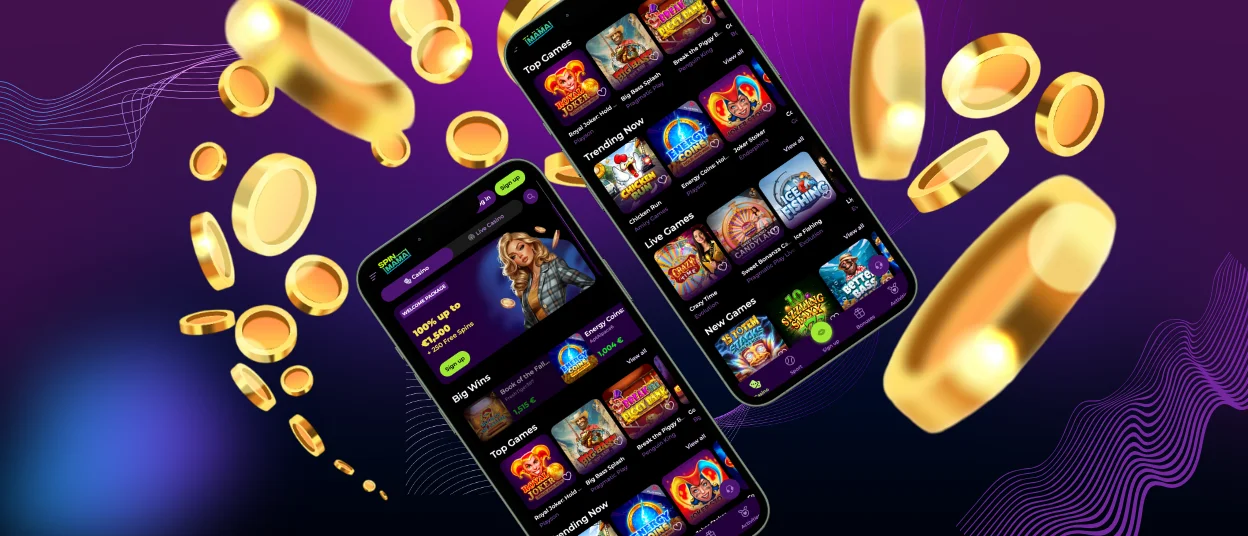
The Spinmama app gives you full access to the casino right on your phone. Our software is available for Android and iOS devices, with access to all games. All core functions are available in the same form as on PC. You can play games and join promotions all in one spot. And it works consistently across every supported device.



Benefits and Features of the Spinmama App
The Spinmama app feels like the desktop version but with mobile-friendly tweaks. The big plus with the app is portability, so you can play anywhere. A desktop gives you a bigger screen, but the Spinmama application is all about speed and touch controls. Core features stay the same no matter which platform you’re on.
| Feature | Mobile App | PC Version |
| Access | Available anywhere | Limited to desktop use |
| Interface | Touch-optimized layout | Mouse and keyboard control |
| Speed | Fast launch with stored data | Depends on the browser |
| Notifications | Push updates available | No push notifications |
| Features | Full access to all functions | Full access to all functions |
Mobile Application for iOS
For iOS users, Spinmama Casino offers a web app. The interface is adjusted for iPhone and iPad screens: buttons are bigger, there are scroll and swipe functions and touch-friendly game controls. You can install the Spinmama app straight from our website in a few clicks. There is no need to mess with the App Store. It just adds a shortcut to your home screen for quick access. The use of push notifications keeps the players updated on bonuses, new releases of games and exclusive offers.
How to install our software on iOS:
- You need to open the Spin Mama Casino website in Safari.
- Then you should tap the “Share” icon in the browser menu.
- After that, you have to choose “Add to Home Screen” and confirm the action to create a shortcut.
Spinmama App for Android
For Android, we use progressive web app technology, so there’s no need to hunt down and download a Spinmama APK file. You just install it straight from our website. The Spinmama app integrates with your device and gives you fast access with a home screen icon. All the platform functions are there: games, transactions, promotions and everything. To stay on the safe side, you also have to complete the verification process in the mobile software. You can install it with just one click right from your browser without downloading anything from external sources. Spinmama mobile casino runs securely and updates itself automatically, so you don’t have to do it yourself.
Play Spin Mama Casino on Mac or Windows
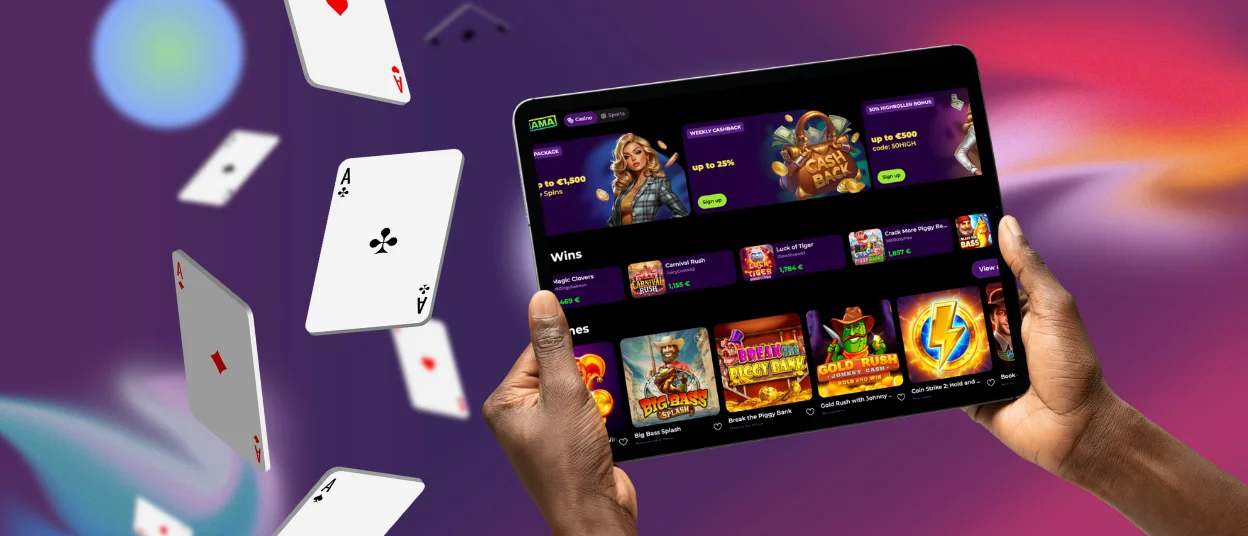
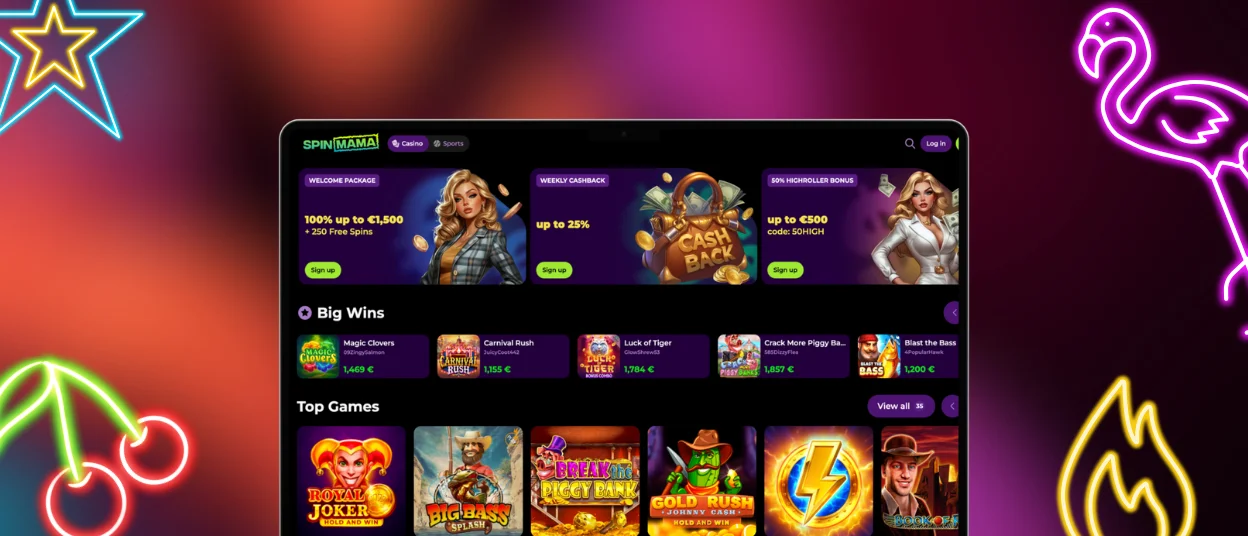
Spin Mama Casino supports desktop access through modern browsers on Mac and Windows devices. Users can open the platform without installation. It is also possible to create a shortcut for faster access. Our desktop version has a good, high-quality interface with better graphics and sound effects. Spin Mama optimized it to be fast, reliable and to provide full functionality with stable performance. Players make shortcuts on their desktops that act like independent web apps and let players access the site with just one click.
How to Install the Spinmama App on Any Device
The Spinmama application works through a browser, as it is a modern web application. You can install it easily just by creating a shortcut to the webpage on your home screen. On Android, you can use any browser. For iOS, stick with Safari. Just go to the page settings and look for the “create shortcut” option. After confirmation, the icon will appear on your device for direct access. It is installed straight from the website using your browser, without going through the App Store or Google Play. You can add the Spinmama app to your home screen yourself from our website.
In the Spin Mama app, you can use all the same features as in the browser-based PC version:
- Play all the games (online slots, table games, live dealer sessions, instant win titles)
- Update your personal information
- Manage responsible gaming tools
- Verify your account
- Make payments
- Receive bonuses
- Participate in tournaments
If you have any questions about the installation process or anything else, you can contact the Spinmama Casino support team via live chat or email.
FAQ
Will my balance and account settings stay the same across devices?
Spinmama Casino uses a single-account system across all devices. Your balance, bonuses, and settings remain the same. Once you log in, everything syncs up on its own. You can switch from your Spin Mama application to your computer and back—nothing resets, nothing gets lost. Your account activity just stays updated in real time, no matter which device you’re on.
Does the app work in both portrait and Landscape Mode?
We’ve set the Spinmama application up to handle different screen orientations. Flip your phone however you want, portrait or landscape, and the interface adjusts. So navigation stays smooth, everything still looks fine, and all the Spinmama Casino features are right where you left them. The layout changes a bit depending on your screen size and what device you’re using, but nothing breaks.
Do I need a separate Spinmama APK file for Android?
The Spinmama app does not require a separate APK file. Our mobile casino uses progressive web app technology. Installation is completed directly from our website. This way, you’re always on the latest version, and there is no need to mess with manual updates or download anything from outside.
Can I use Face ID, Touch ID, or fingerprint login?
Spinmama Casino has modern security features. You can log in with Face ID, Touch ID, or a fingerprint if your device supports it. Just turn it on in settings. It’s quick, safe, and saves you from having to type in your login information every time. But it only works if your device has those features. You can do it in the Spin Mama application as well.
Can ad blockers or VPN settings affect how the app works?
Sometimes your browser settings can affect how the Spinmama application runs. Ad blockers or VPNs might block certain functions, like slowing down loading or even hiding some sections. For the smoothest experience, we’d recommend sticking with standard browser settings. If you run into issues, adjusting those tools could help.


